
Pylon AI Support Tool - Quick Starter Guide
? What is the Pylon AI Support Tool
We’ve launched the Pylon AI Support Tool to make it easier to submit requests, track progress, and get answers quickly.
With the portal, you can:
✅ Submit support requests
✅ Track request status
✅ Ask AI quick questions
✅ Access the Pylon Knowledge Base
1️⃣ Log In to the Support Tool (First-Time Setup)
Getting started is easy
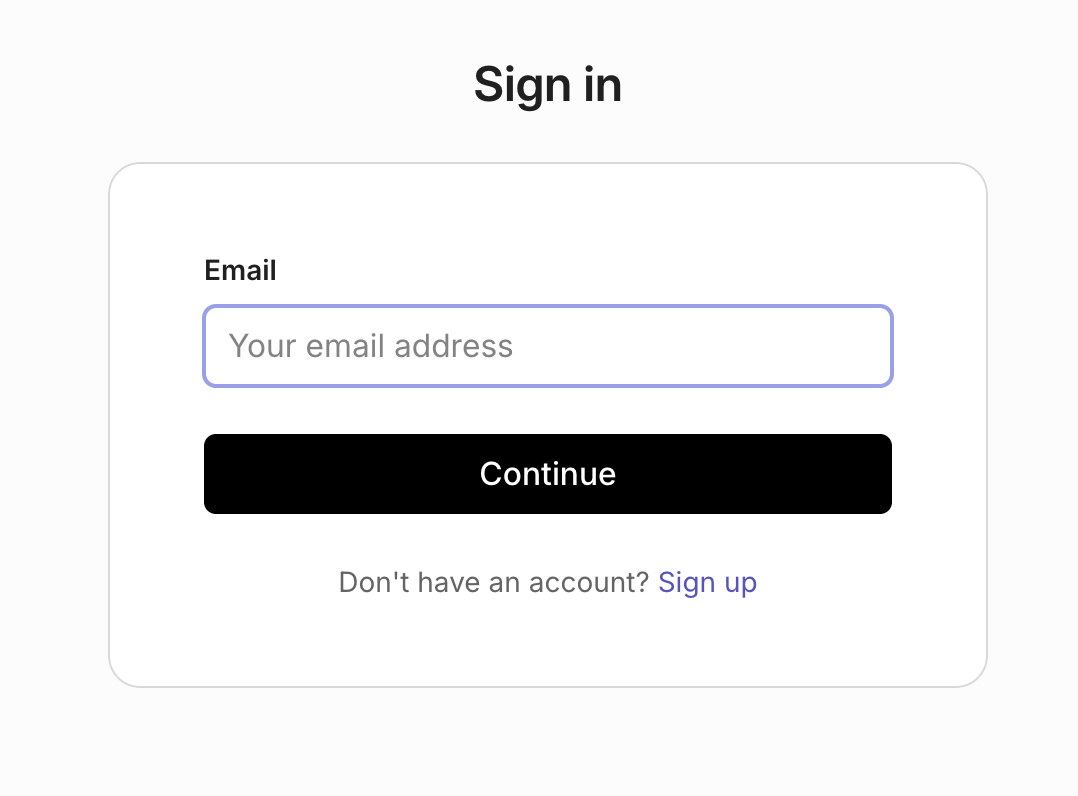
Step 1: Open the Pylon Support Portal: https://pylonlending.support.site
Step 2: Sign in using your email address (the same one you use for Command Center)
💡 Tip: Bookmark the website so you can access it quickly when you need help.
2️⃣ Submit Your First Support Request
Submitting a request takes less than a minute.
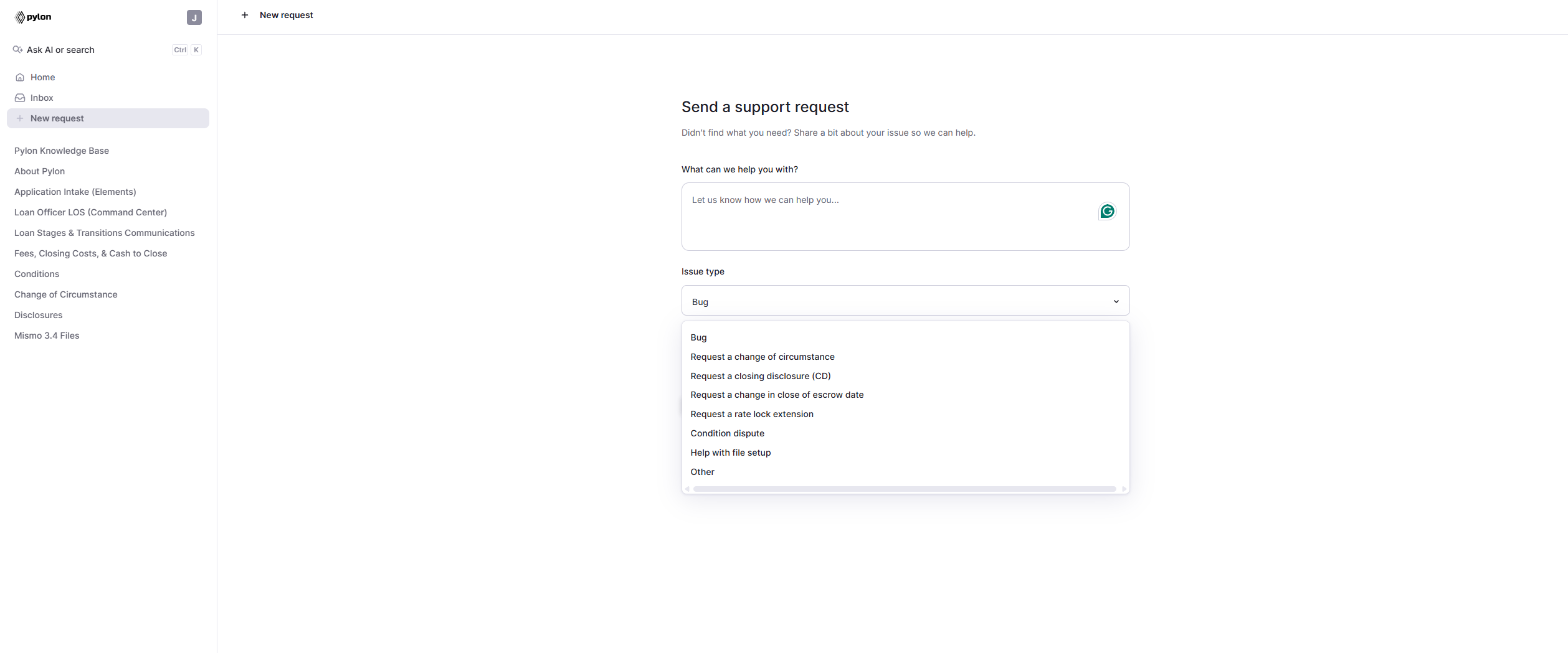
Step 1: Click New Request
Step 2: Describe what you need help with
Step 3: Select the Issue Type
Step 4: Enter the Loan Number and click Create Support Request
💡 Including the loan number helps us resolve requests much faster.
Requests are automatically routed to the Account Manager assigned to your loan, so they’re handled by someone with direct context on the file.
3️⃣ Track the Status of Your Request
You can track all requests previously submitted by you or others in your same organization in the Inbox.
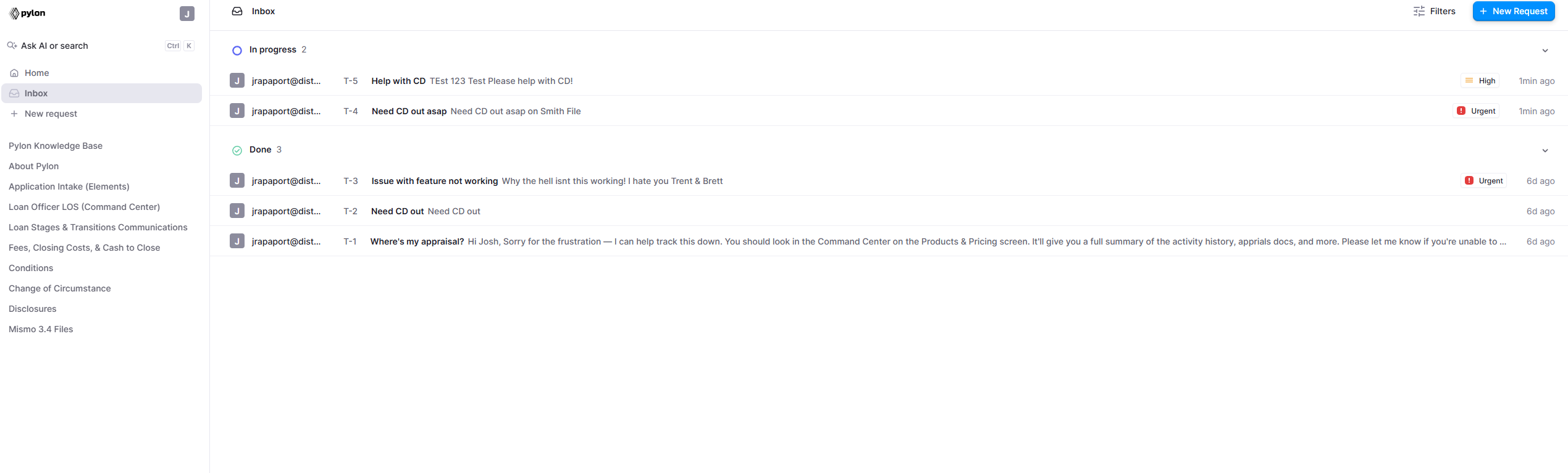
Each request will show its status:
🟣 In Progress: Our team is actively working on it.
✅ Done: Your request has been completed.
⏱️ Waiting for You: We are requesting additional information from you.
Click into any request to:
View updates from the Pylon team
Add additional information
Continue the conversation
4️⃣ Ask AI for Quick Answers (Coming Soon)!
Need a quick answer? Use the AI assistant in the support tool.
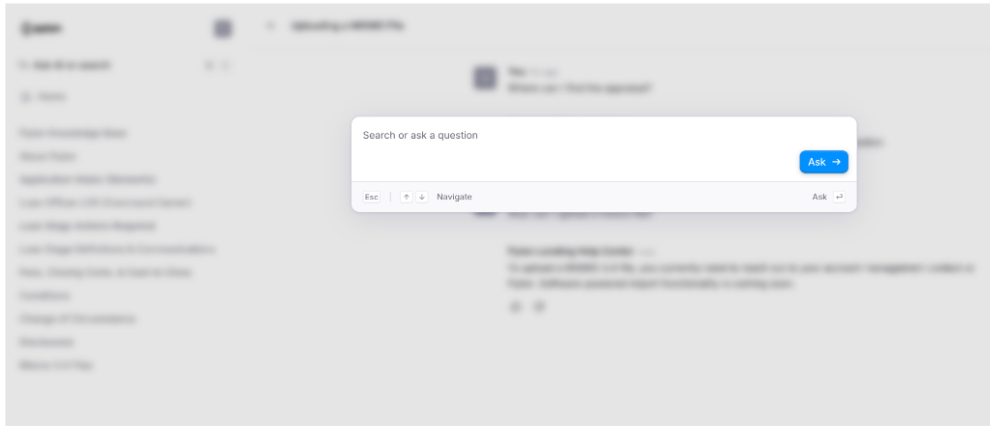
You can ask things like:
How do I submit an application on behalf of my borrower?
How do I submit a change of circumstance?
What is the turnaround time for underwriting?
The AI pulls answers from the Pylon Knowledge Base articles, making it the fastest way to get help for common workflows.
5️⃣ Support Model and Escalation
Support requests are handled by a broader team of Account Managers who share coverage across the loan pipeline, rather than a single dedicated post-lock AM per LO.
Routing: When you submit a ticket through the AI Support Tool, it is automatically routed to the Account Manager assigned to that specific loan, so it’s handled by someone with direct context on the file.
Escalation: Liz Ortiz and Brittany Warmack lead pipeline review meetings and serve as escalation points whenever a request needs to be raised beyond the assigned Account Manager.
👉 When to Use the Support Tool vs Slack/Email
🟦 Use Pylon AI Support Tool | 💬 Use Slack/Email |
All support questions | Coordination only |
Help with a specific loan file | Sharing updates with processors or LOs |
Requests for CDs, COCs, lock extensions | Internal collaboration |
Technical issues or bugs | |
Help using Command Center or Elements | |
Anything requiring action from the Pylon team |
Using Plain ensures a better experience for you:
✔ Faster responses from the Pylon team
✔ Clear visibility into request status at any time
✔ Nothing gets lost in Slack threads, DMs, or inboxes
✔ More predictable turnaround times for loan requests